Google Business Profile: Claim, Fix, and Protect It
How to Claim, Fix, and Protect
Your Google Business Profile
Right now, somebody in your city is Googling exactly what you do.
And Google is showing them your competitor.
Not because they're better. Because your business profile isn't showing up on Google, or it's showing a version of your business that you don't control.
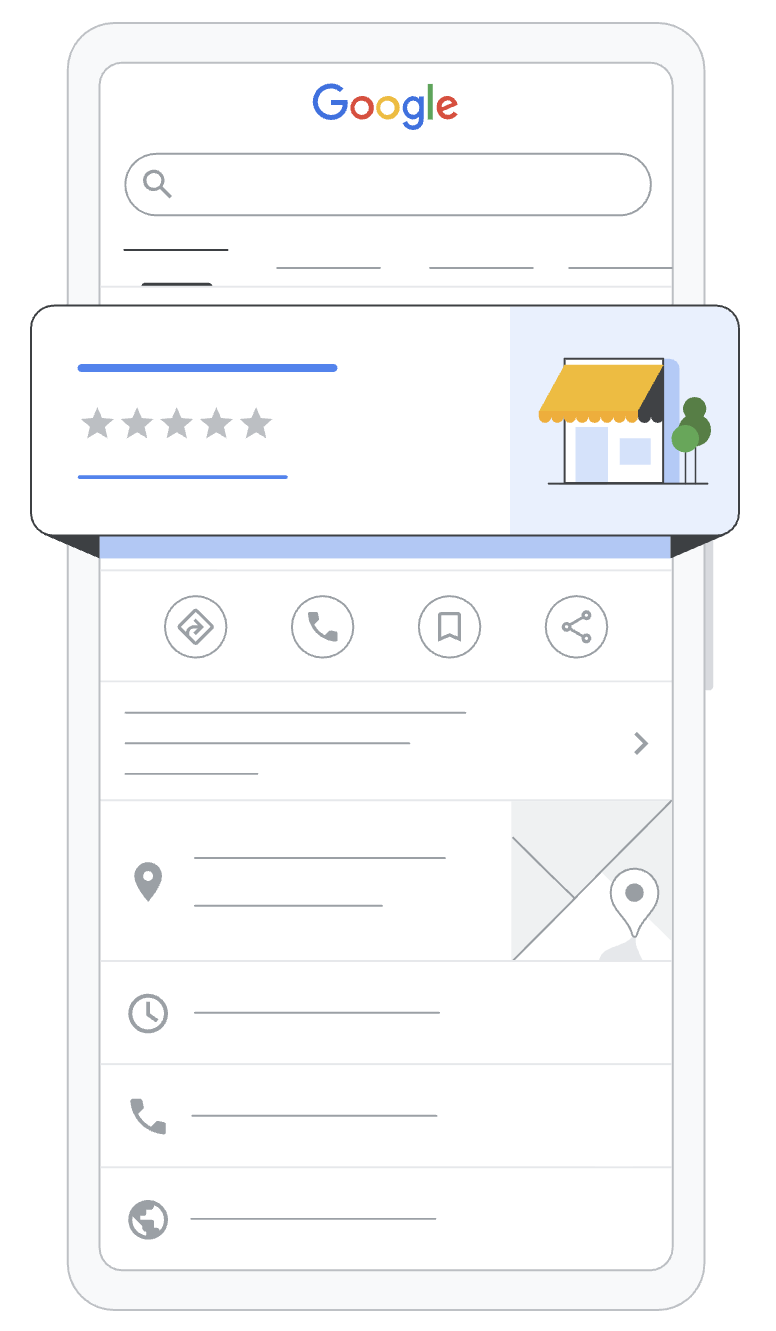
If you're a small business owner who feels invisible online, there's one free place to start that you can do yourself, and almost everyone skips it: your Google Business Profile. It's the box with your hours, your reviews, and your map pin that shows up when someone searches for you.
It's your front door. And most owners are busy decorating rooms nobody can get to.
In this post, I'll walk you through three things you can do to take control of your profile, whether you're claiming it for the first time or getting it back from someone else, and fix it so Google starts sending customers your way.
I'm Darine. I've spent over 18 years in communications, everywhere from national corporations to nonprofits, and these days I help small business owners get found online.
How do I claim and set up my Google Business Profile?
Search your business name on Google and click "Own this business?" to claim your Google Business Profile, or go to google.com/business to add it if nothing shows up. Once Google verifies you, pick the most specific primary category, set your real hours, and add your services and real photos. Then remove anyone who shouldn't have access and reply to every review.
Step 1: Take Back Control of Your Google Business Profile
Before you fix anything, you need to be able to log in. And that's the step most owners are stuck on.
Your business probably already has a profile, whether you made one or not. Google builds listings from whatever it finds online. So right now, customers may be reading hours, a phone number, and a description you've never seen.
And if you don't claim it, someone else could.
Here's what that looks like.
I worked with a wellness clinic that had been open for over nine years. Established. Busy. Good reputation. The owner had no idea which email his Google Business Profile was under.
Over nine years, three different people had set up his website, his domain, and his Google profile. Nobody wrote down who did what. So nobody knew who held the keys.
So he owned the clinic. But he didn't own his business online. He couldn't update his hours. He couldn't reply to a review. He couldn't even see what his customers were seeing.
The fix is easier than you think, and it doesn't involve trying every email address you've ever had.
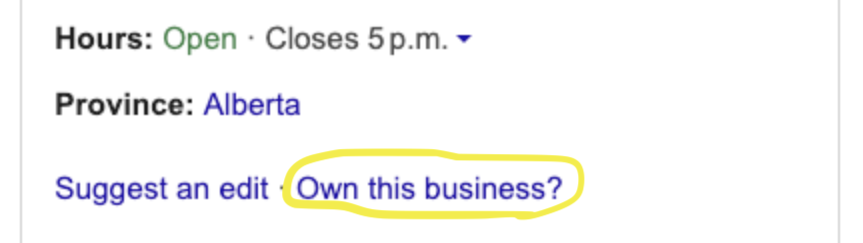
Here's what you do. Search your business name on Google. If a listing shows up, look for "Own this business?" and claim it. If someone else owns it, request access. Google notifies them, and if they don't respond within a few days, you can verify it yourself.
That's it. That's all we did for the clinic.
Nine years of not owning his own business online, solved in a few days. He just didn't know it was there to click.
Now, what if you Google your business and nothing shows up?
Go to google.com/business and add your business to Google. That takes you into Google Business Profile Manager, which is where you'll log in from now on.
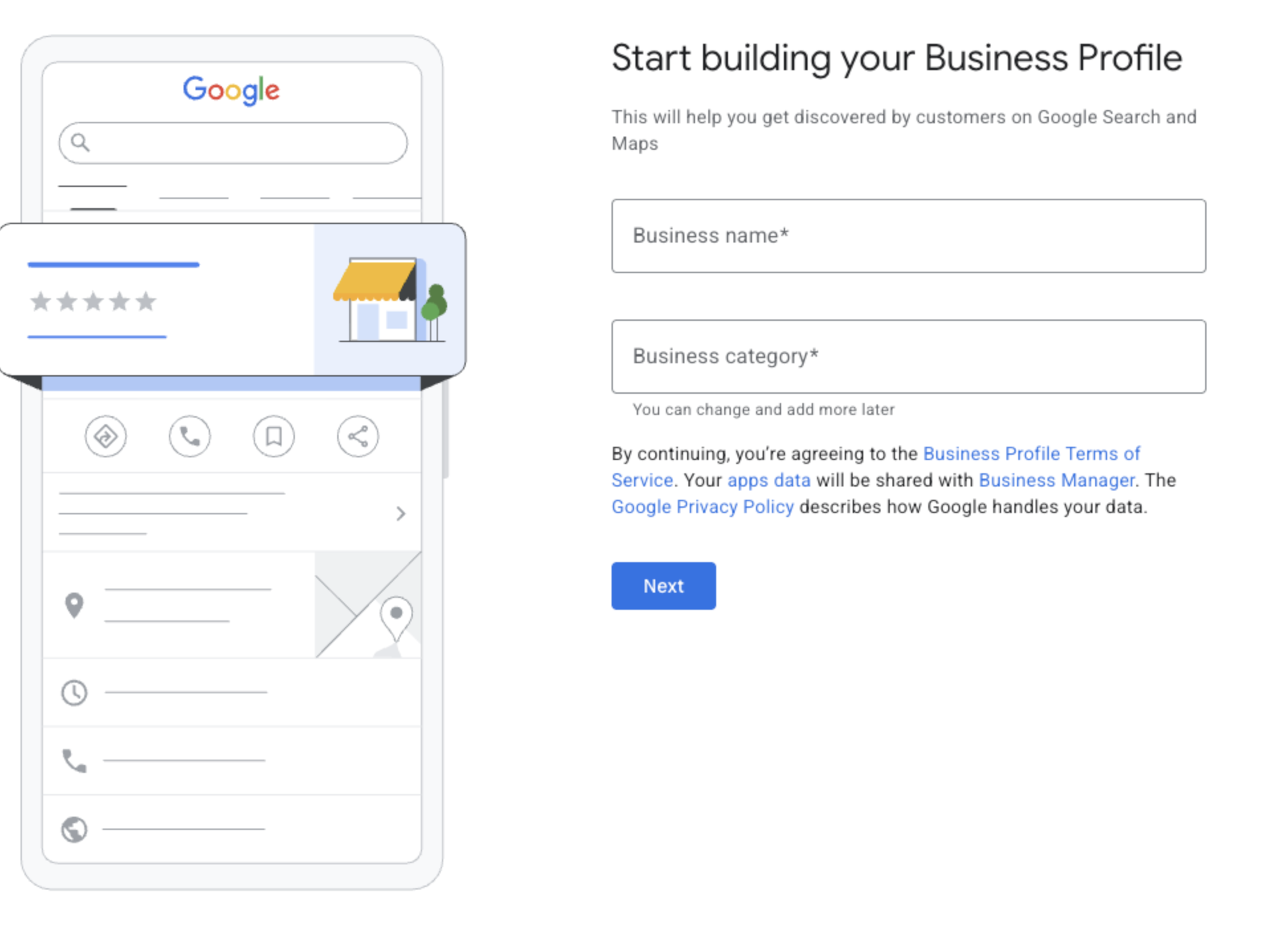
Either way, the last step is verification. Google needs to confirm you're real. It used to be a code by phone or email. More and more, Google is asking for a short video of your storefront instead. Do it the day they ask, because until you're verified, you're not showing up.
So now you've got the access. But a profile you control and a profile that gets found are two completely different things, and this is where most owners stop.
Step 2: Tell Google Exactly What You Are
Google decides which searches you show up for based on what you tell it. If you tell it something vague, or nothing at all, you're invisible for the exact search your best customer is typing.
And this isn't just about Google Maps anymore. When someone asks Google's AI where to go, it pulls from this same profile. If it's wrong here, it's wrong there too.
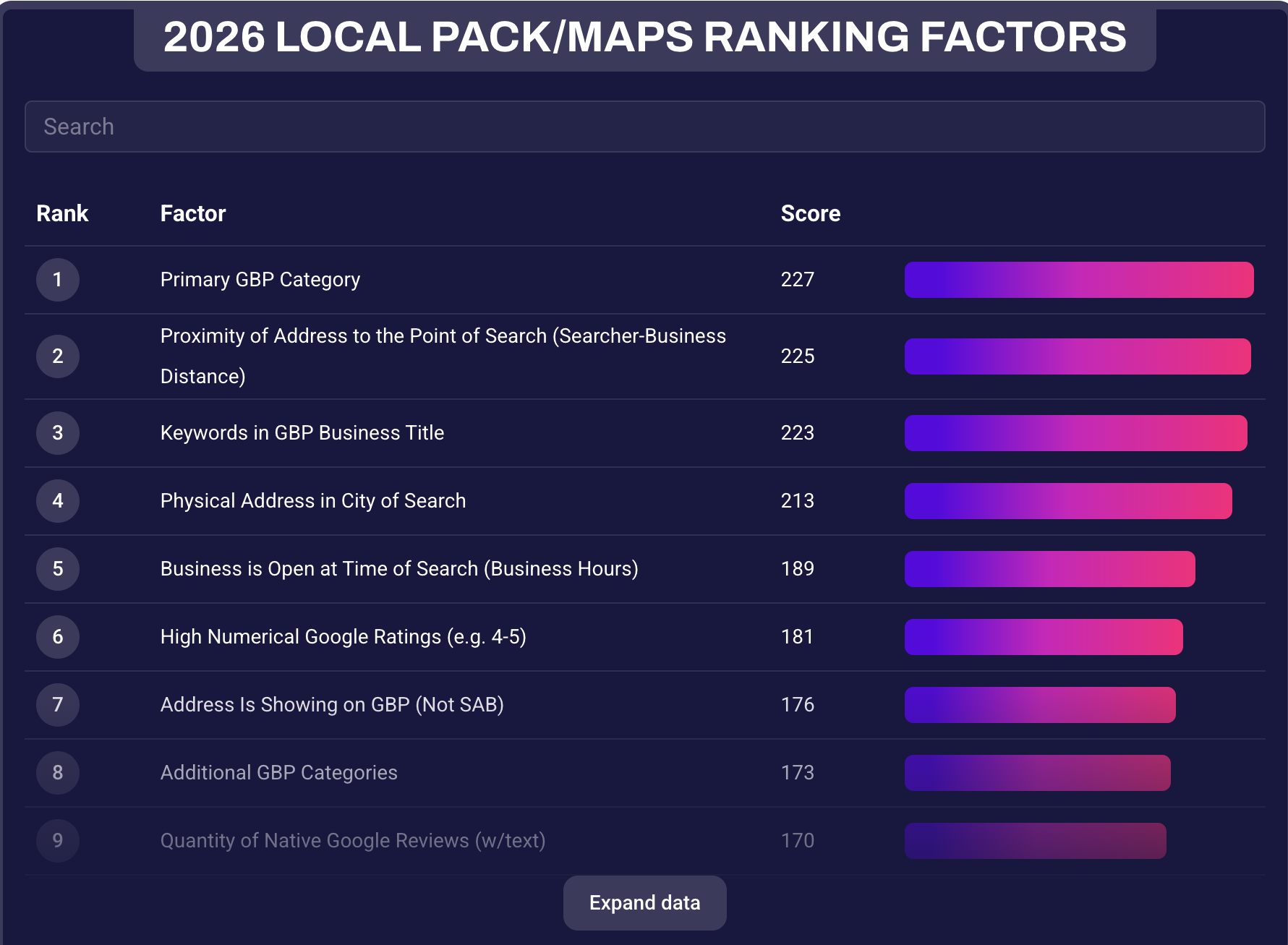
According to Whitespark's 2026 Local Search Ranking Factors report, a survey of local SEO experts, the number one thing that decides whether you show up in Google's local map results is your primary category.
Not your website. Not your ads. The category.
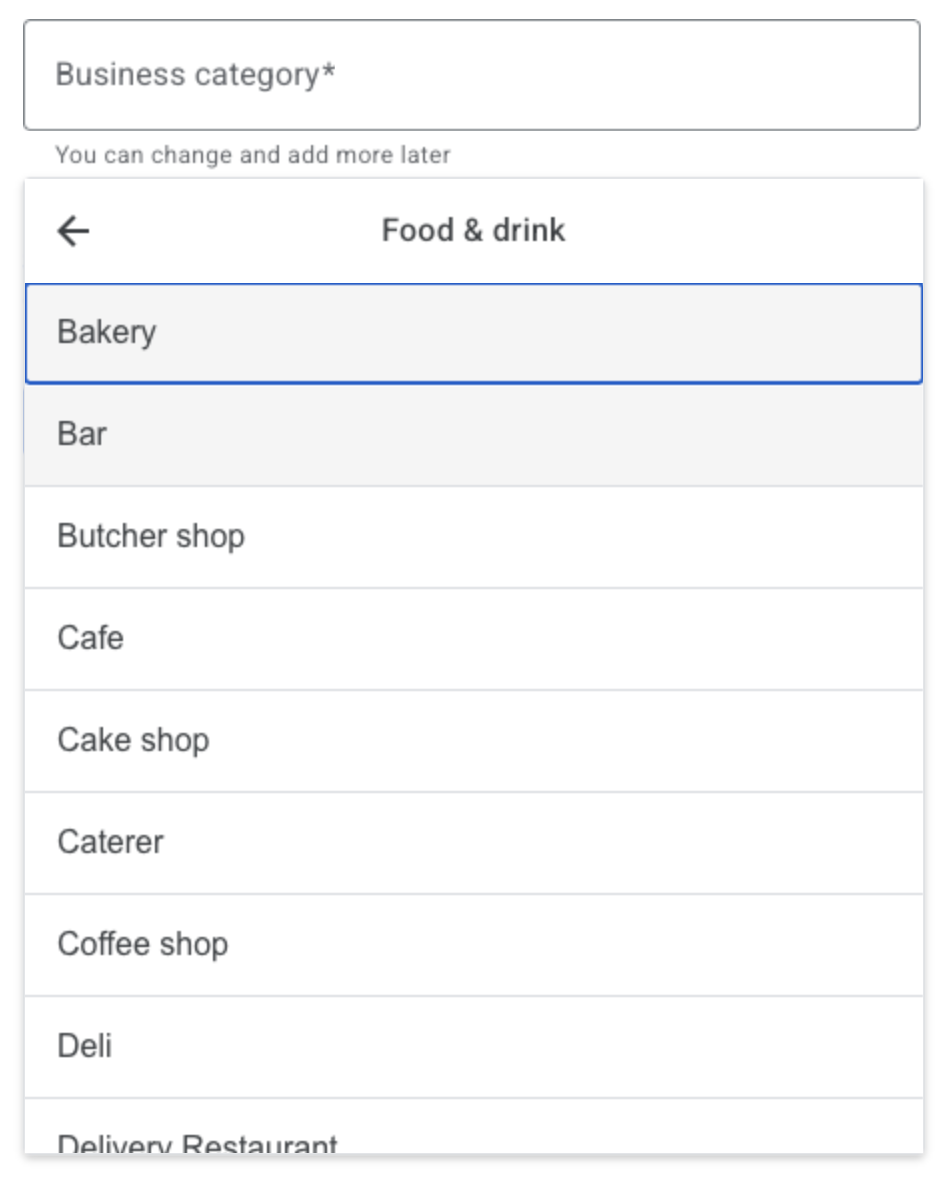
Say you run a bakery, and your category is "Restaurant." Someone searches "bakery near me." Google decides you're not a match and shows them the shop down the street that picked "Bakery."
Same croissants. Different word. And she gets the customer.
So go into your profile. Pick your primary category, the most specific one that matches what you actually do. Google Business Profile categories are a fixed list, so search it until you find yours. Then add two or three secondary categories.
Set your real hours, including holidays. In the same report, whether you're open at the moment someone searches is number five on the list. If your profile says you close at five and you're open till eight, Google is pushing you down the map every single evening.
Fill in your services. And add real photos of your space, your work, and your team. Please, no AI images or stock.
And now, Google can find you.
Which means you're almost done. Almost.
Step 3: Stop Letting Strangers Write It for You
Here's the part most owners don't know: you're not the only one who can edit your profile.
Google lets anyone suggest edits to your hours, your address, your category. And sometimes it applies them without asking you.
Then there's every review you've never replied to, sitting there, speaking for you.
So your business is being described, out loud, by people who don't work there. And the next customer reads all of it before they ever call you.
I had a client who bought a restaurant. New owner, new menu, new everything, except the Google Business Profile. The former owner still had access.
And he was still replying to reviews. Every single one, good or bad, got the same copy-and-paste response offering a free meal.
So my client is running the place, and the person who sold it is out there promising free dinners in the restaurant's name. And it was obvious. Same words, every time. Anyone reading those replies could tell nobody was actually home.
That's what losing control looks like. Not a blank page. A page that's alive, and saying things you would never say.
So here's the fix, and it's the same thing we did for that restaurant.
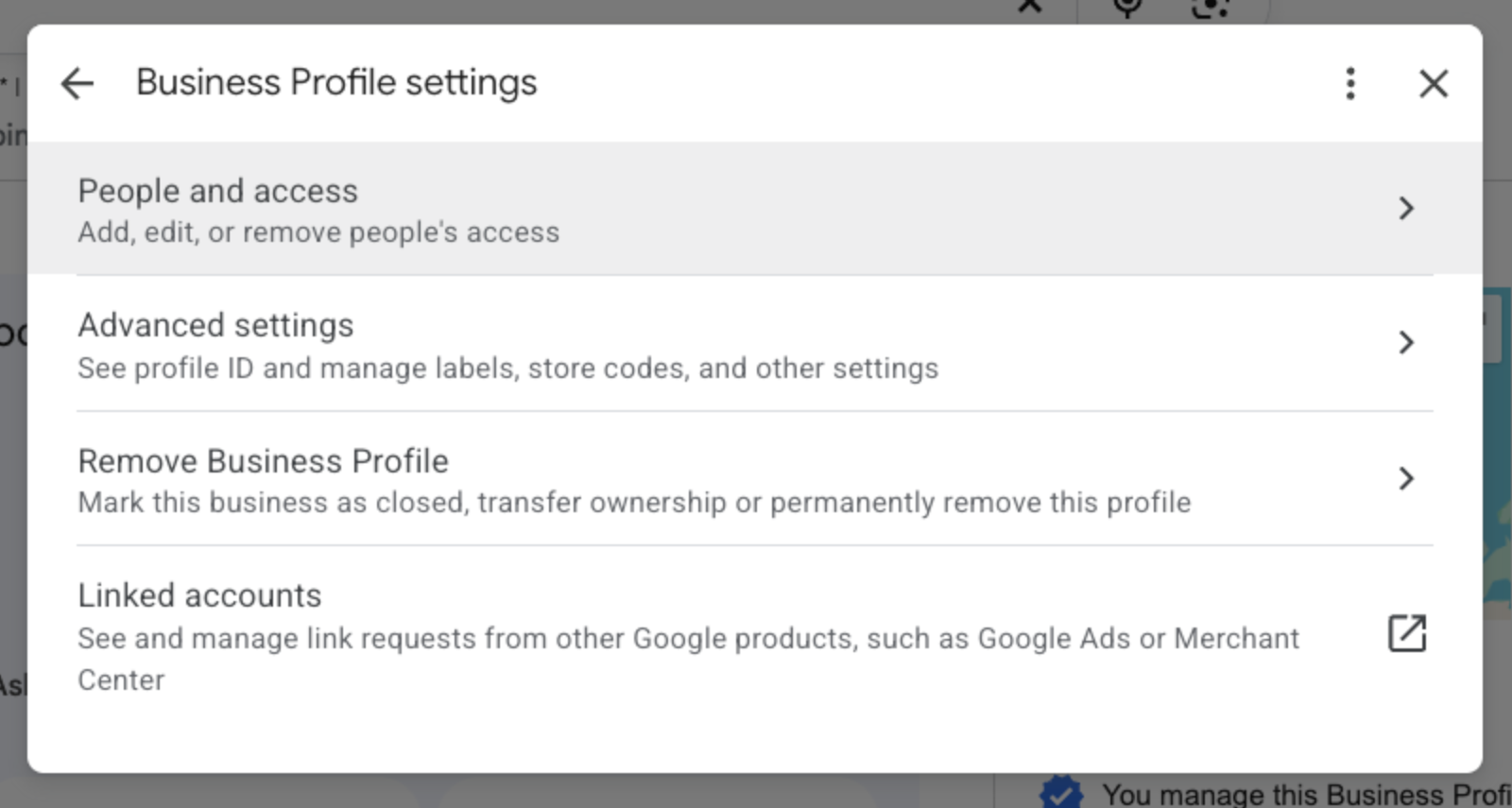
First, go into your profile and remove anyone who shouldn't have access. That one took two minutes.
Then reply to every review, good and bad. And remember, the reply isn't for the reviewer. It's for the next person reading it.
And check the section Google calls "Review recent edits made to your business." If Google or a stranger changed something, reject it.
Get More Reviews Without Asking
Now, replying to reviews is easy. Getting them in the first place is the part everyone hates. So here's your one thing to do today.
Open your Google Business Profile and find your review link and QR code. Print it. Put it at your counter, on your receipts, on your invoices.
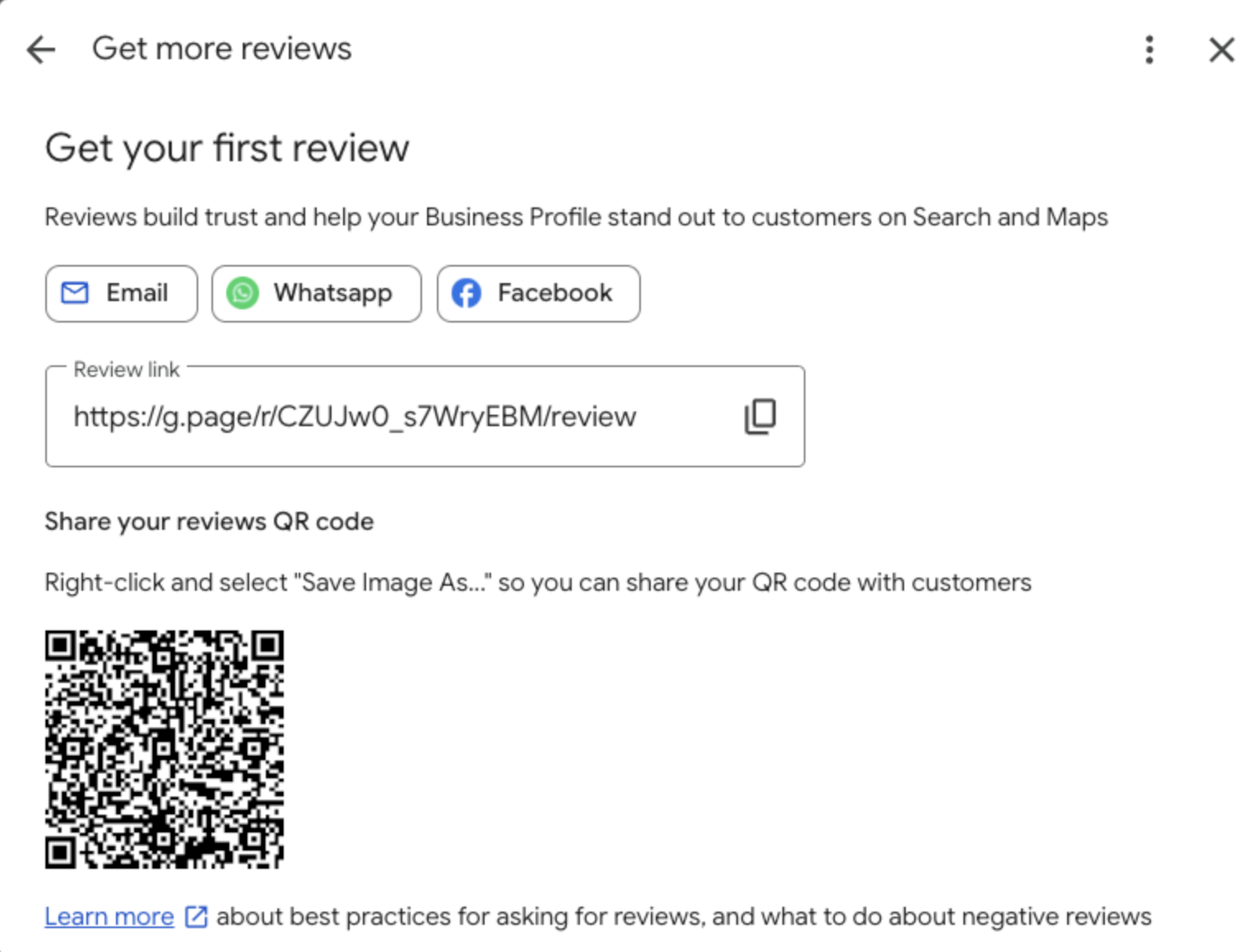
So every happy customer can leave a review before they walk out the door, and you never have to ask.
Go claim what's yours.
Want to see this in action? Watch the full video here: